01ONLINE
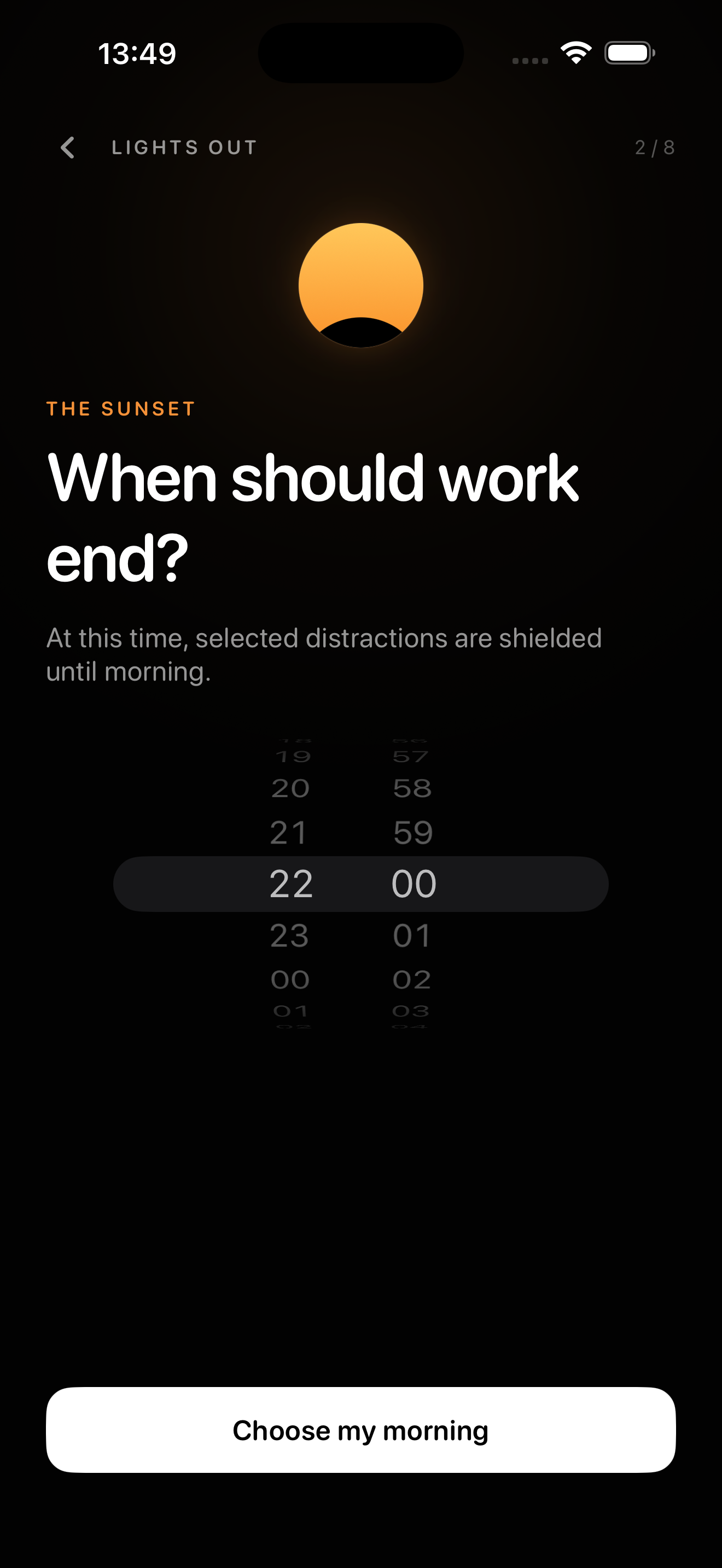
Choose your ending.
Set one work-end time and one return time for the morning.
Now available for iPhone
Choose when work ends. Lights Out protects the boundary until morning, so tonight does not become one more unfinished task.
7 days free for eligible customers. Then $39.99/year.
No account. Just a better ending.
One clear boundary
Lights Out uses Apple’s Screen Time controls to shield apps and websites. There is no early-unlock button inside Lights Out after cutoff.
A simple rhythm
Three states, one repeating promise. Nothing to manage once the boundary is set.
Set one work-end time and one return time for the morning.
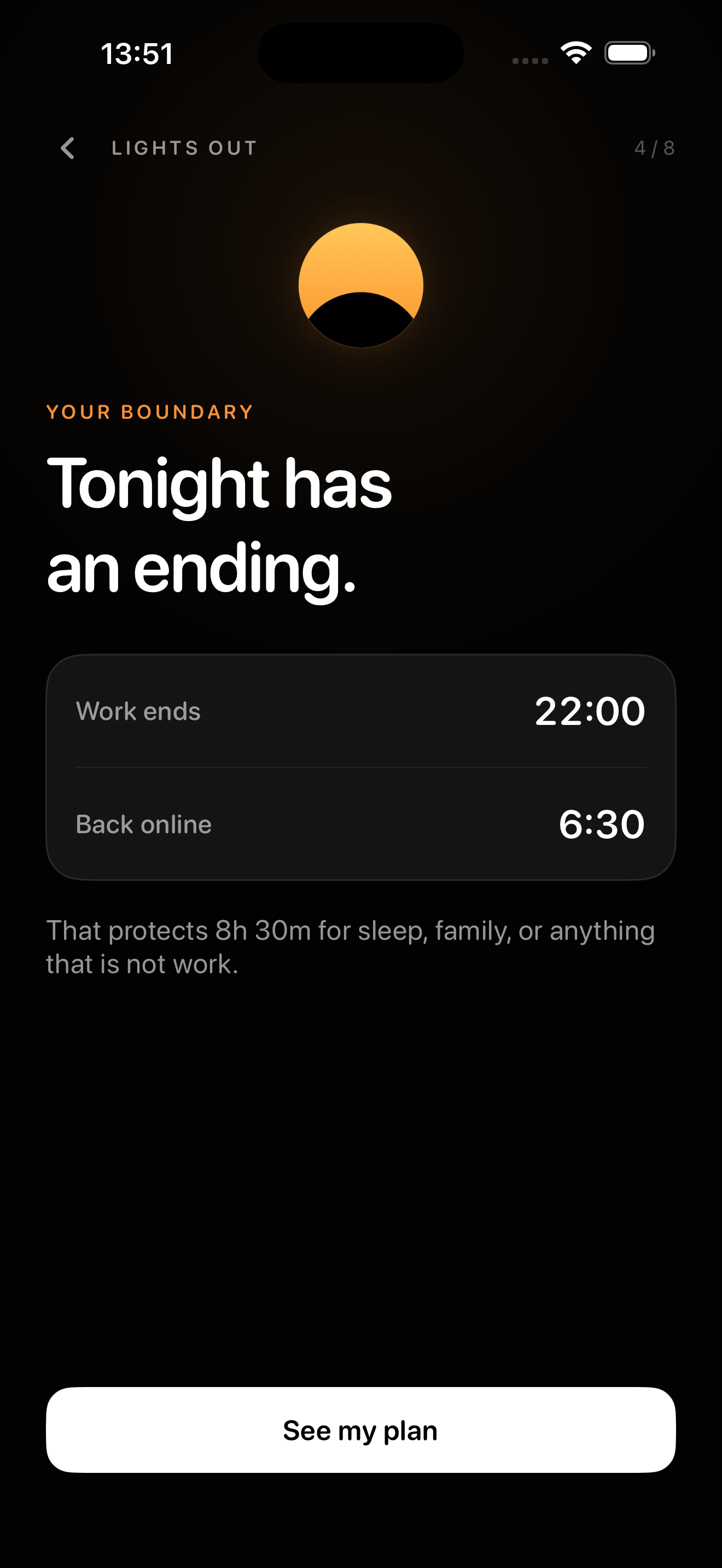
Protection starts automatically. A weaker schedule must wait before it takes effect.
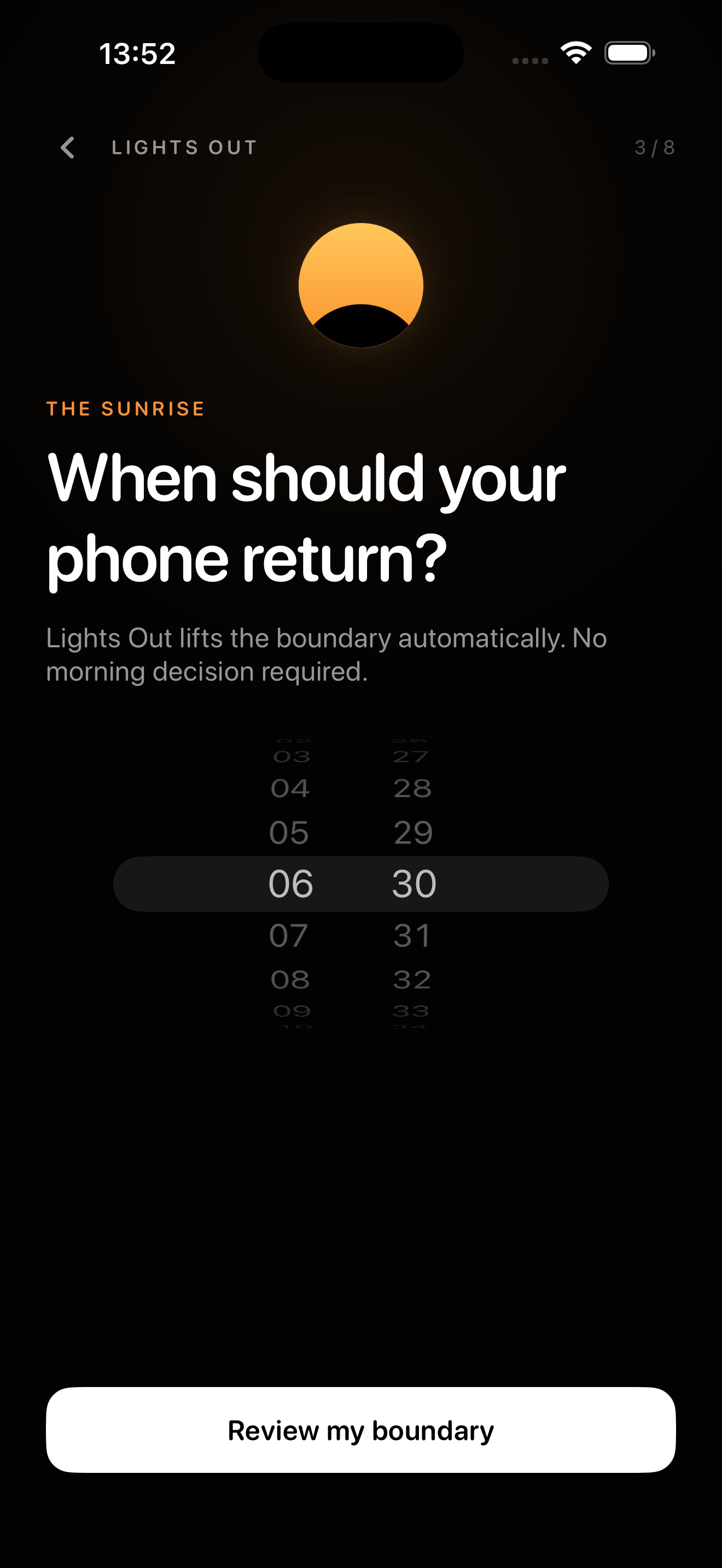
Your phone returns, along with the one thought you left for tomorrow.
Calm authority
No scores. No streaks. No red warnings. Lights Out shows the one thing that matters now: when your day ends, and when your phone comes back.
Your chosen schedule repeats without another decision.
An optional local notification arrives 15 minutes before cutoff.
Widgets and a Live Activity carry the boundary beyond the app.
Make room for life after work
The walk. The dinner. The book you keep meaning to read. Give them a little space.
Download on theApp StoreTomorrow Queue
Write one sentence about what needs picking up tomorrow. Lights Out returns it in the morning, so your mind does not need to hold it overnight.
Send the final launch build after the morning review.
Private by design
Lights Out has no account, advertising, or analytics SDK. Your schedule, Tomorrow Queue sentence, and protection state stay on your iPhone.
Read the privacy policy ↗Lights Out Complete
Start with 7 days free if you’re eligible. Then one annual plan for an evening that stays yours.
Eligible customers receive 7 days free, then the localized annual price shown by Apple.
Lights Out removes its own easy early-unlock path. Because this is your iPhone, Apple still lets you revoke Screen Time permission in Settings. We would rather tell you the truth than sell an impossible promise.
Questions, answered
At your chosen boundary, the app uses Apple Screen Time controls to shield apps and websites until your selected morning time.
There is no early-unlock control inside Lights Out after cutoff. The owner of an individually managed iPhone can still revoke Screen Time permission in Settings.
No. The Solo version does not send app names, website names, or Screen Time usage history to the developer.
Lights Out Complete includes the repeating boundary system, commitment policy, Tomorrow Queue, morning handoff, widgets, Live Activity, and ongoing compatibility work.
Not at launch. The first release is Lights Out Solo for iPhone. We will only promise Mac protection when the Mac app and entitlement path are release-ready.
Lights Out for iPhone